Feature Filled
See what LightLoop can do — from uploading your first file to running screens across your entire campus.
See what LightLoop can do — from uploading your first file to running screens across your entire campus.
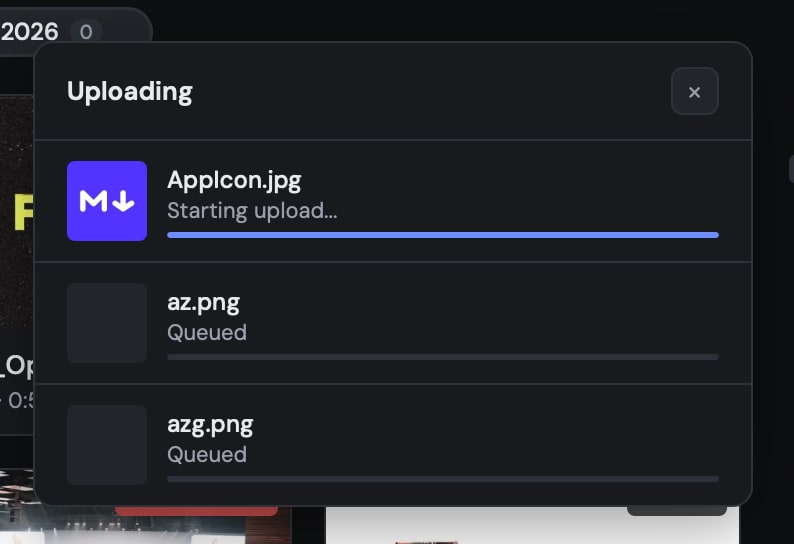
Upload videos and images straight from your browser. Files stream directly to Google Drive — fast, reliable, and built for large media files.
Bring your designs straight from Canva as images or video. No exporting, no re-uploading — just paste a link and LightLoop pulls it in.
Paste any YouTube URL and import it as video or extract just the audio. Perfect for backing tracks, sermon bumpers, or announcement reels.
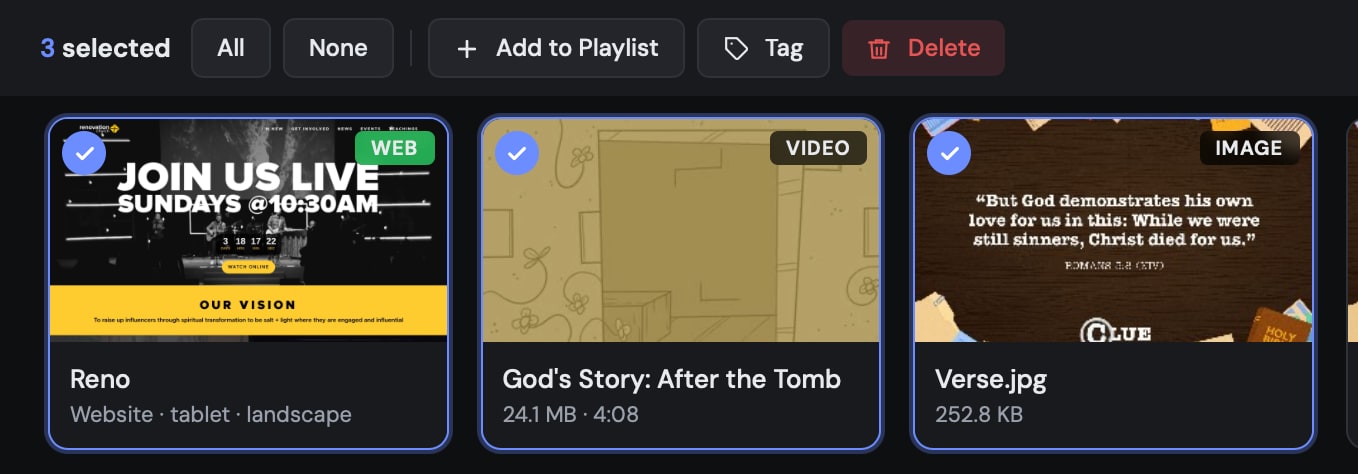
Select multiple items at once with a dedicated select button. Move, delete, or tag batches of files in a single action.
Organize your library with custom tags. Filter by topic, season, event type, or whatever system works for your team.
Organize media into ordered playlists or auto-rotating feeds. Schedule what plays where with a simple drag-and-drop interface. Group related content into feeds that rotate automatically, or build precise playlists that play exactly in order.
Set start and end dates for individual items or entire playlists. Schedule announcement slides to expire automatically after an event, or queue seasonal content weeks in advance.
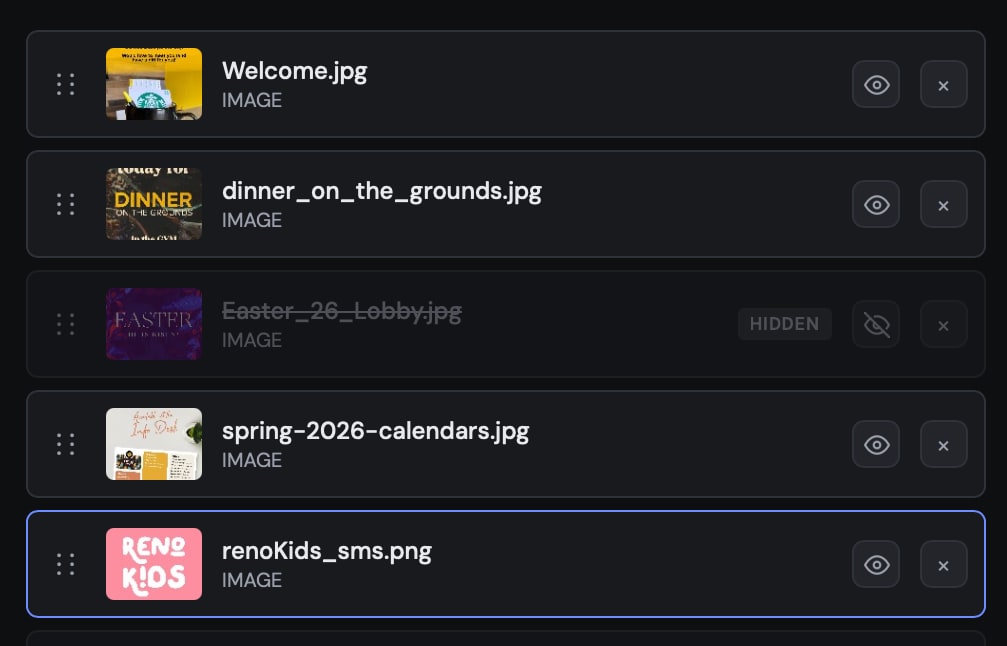
Temporarily hide playlist items without deleting them. Toggle visibility on the fly — perfect for skipping slides during a live service or testing content before it goes live.
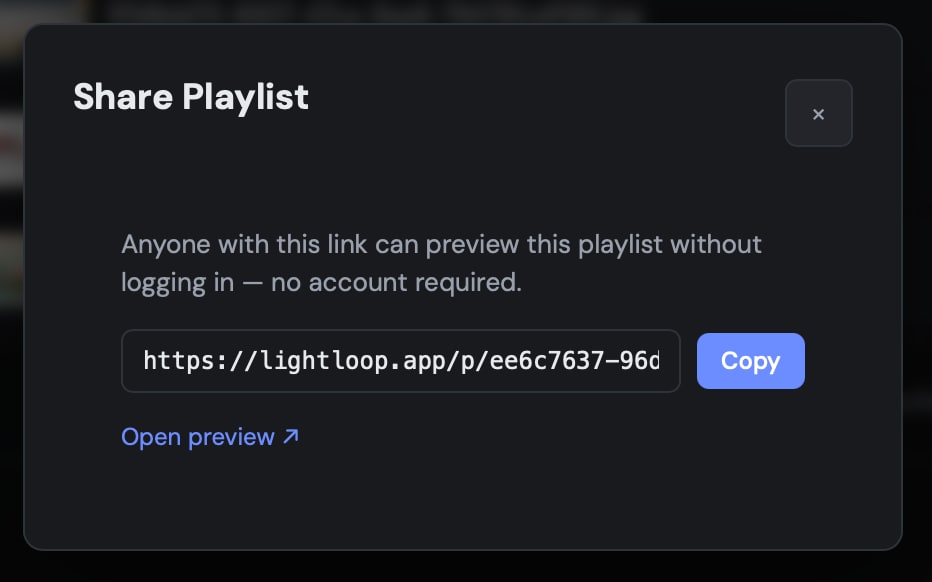
Generate a public preview link for any playlist. Share with your team, pastor, or worship leader for review and approval before content hits the screens — no account required to view.
Generate a share link from any playlist and send it to another LightLoop account — via email, text, or messaging app. The recipient clicks the link, signs in, and the playlist is added directly to their account. Perfect for VBS kits, denominational event decks, worship series, or workshop materials.
Select multiple items in the Media library and share them as a bundle — songs, Bible slides, images, and more. Useful when another church needs just a few assets, not an entire playlist.
Set an expiration date on any share link. When the date arrives, the shared content is automatically removed from every recipient's account — no manual cleanup needed after the event ends.
Attach background music or ambient audio to any playlist. Set volume levels independently from video audio, and let the soundtrack loop seamlessly between items.
Insert automatic pause points at specific timestamps in any video. Hold on a key frame, resume on cue, or wait indefinitely for a manual advance — ideal for curriculum videos with question stops or presentation videos imported from Canva, Keynote, PowerPoint, etc. Keep those beautiful transitions!
Float a layer in any corner of the screen, above everything except a countdown banner — set per playlist item, for that item only or until you clear it.
Display worship lyrics on screen, perfectly timed to your audio track. Write slides in the web editor, link an audio file and background, then record timing markers in real time or fine-tune them on an interactive waveform timeline. Your Apple TV plays lyrics in sync with the music — fully cached, fully offline.
Requires Apple TV app v1.1+ · Learn more →
Paste a ChordPro or OnSong chart (or type inline [chords]) and they appear above the lyrics on stage and confidence displays — never on the audience screen. LightLoop converts OnSong chords-over-lyrics and section labels on paste, detects the key with real music-theory scoring, lets you transpose the chord chart to any display key, and can pitch-shift the attached audio track to match while keeping its tempo. Turn on Sync to Audio and the chart follows every key change.
Stage chords need the latest Apple TV & iOS Remote apps · Learn more →
A single Instrumental switch on a song's audio removes the vocals for congregational singing, rehearsals, or "vocals out" moments. It generates in the background (about a minute) and plays on your Apple TV, TV Wall, and previews automatically; switch it off to bring the vocals back — the original is always kept. Built from the song's current track, so it works alongside transposition and comes out in your key.
Build an entire teaching, talk, or presentation in one place. Mix styled text and notes, scripture, and full-screen media into an ordered set of slides, then advance through it slide-by-slide from the iOS Remote during the service. Drag to reorder, drop files between slides, and split a pasted block with a keystroke — it renders natively on Apple TV and in TV Wall mode.
Requires latest Apple TV & iOS Remote apps · Learn more →
Trigger (or clear) live countdown banners anywhere in your playlist. Count down to an event start time, or set a static (i.e. 5min or 30sec) timer for discussion or clean-up time. Timers update in real time, they can auto-clear or overrun and have customizable styles.
Everyone should know what the video is saying. Subtitles render natively on Apple TV and in web previews, (if the subtitles are embedded in the video).
Rotate any feed or individual item to portrait, landscape, or even upside-down. Perfect for vertical lobby displays, hallway signage, or unconventional mounting setups.
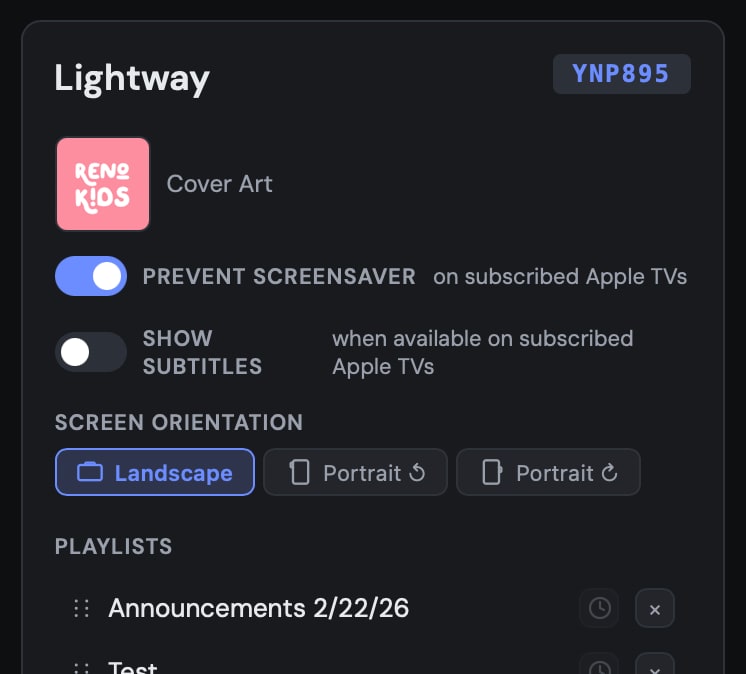
Native tvOS app delivers smooth, frame-perfect playback on any Apple TV. Designed for the big screen from day one, with full remote control support and automatic content syncing.
Content downloads in full before playback. No buffering, no dropped frames, no internet dependency during showtime. If the connection drops, your screens keep playing.
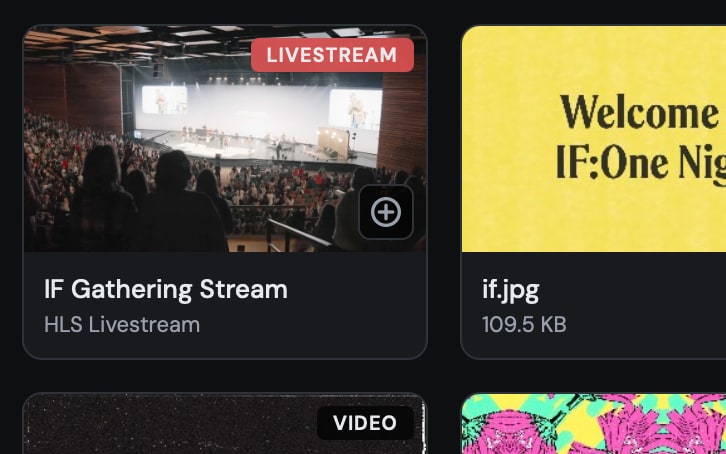
Embed livestreams from local or remote sources directly into any feed. LightLoop handles HLS streams and falls back gracefully if the signal drops. Mix live video with pre-recorded content in the same playlist.
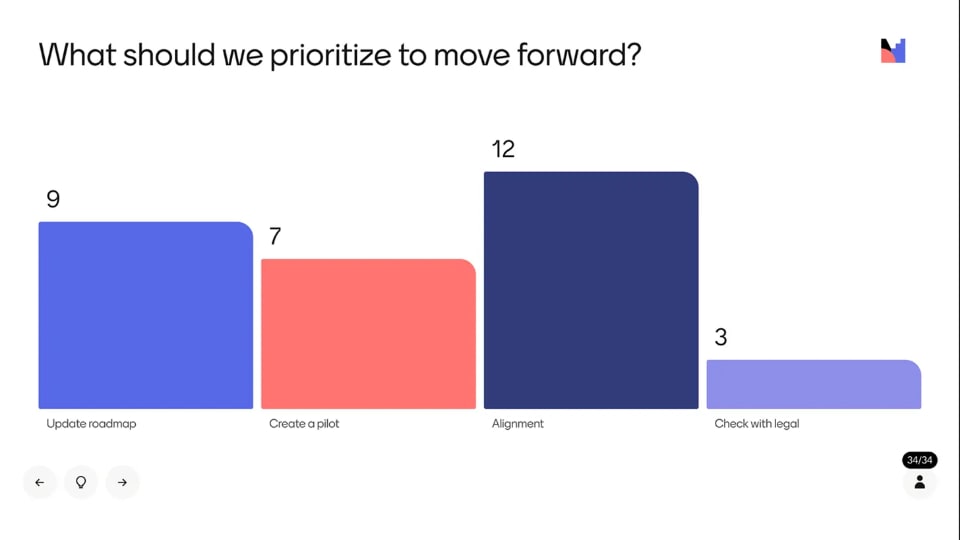
Display any website on your screens with interval-based refreshing. LightLoop captures and re-renders the page automatically — perfect for live dashboards, donation trackers, weather widgets, or dynamic announcement pages.
Split one Apple TV into four independent 1080p outputs with a 2×2 HDMI wall controller — program, confidence monitor, and livestream lower-thirds with downstream-key alpha. Learn more →
Place song and Bible lower-thirds with a visual zone editor, then output a matching white alpha matte for clean downstream keying in ATEM and other switchers.
Invite collaborators by email to join your LightLoop workspace. Each member gets their own login, and you control exactly what they can see and edit. No shared passwords, no account juggling.
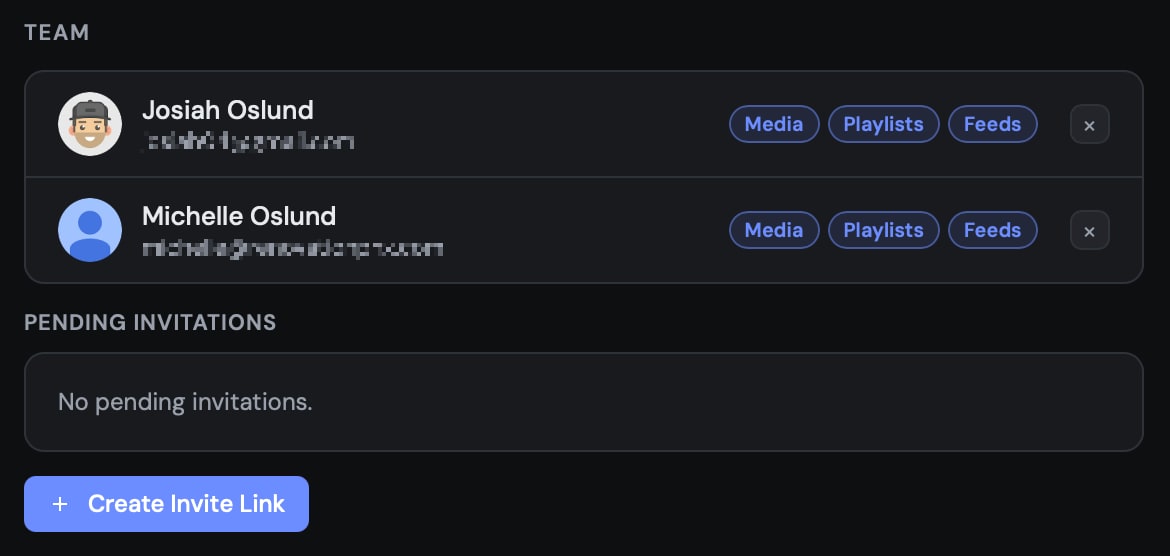
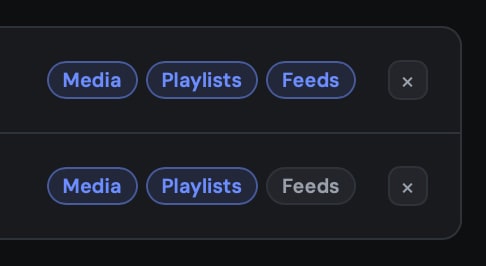
Assign granular permissions to each team member. Control who can upload media, edit playlists, or manage feeds. Lock down sensitive content while letting volunteers manage day-to-day slides.
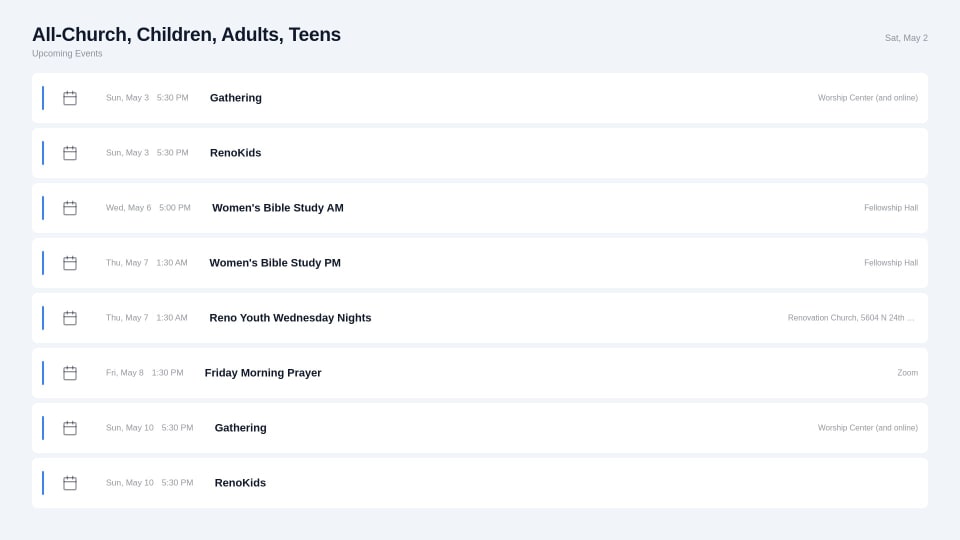
Connect your Planning Center Online account and display near real-time check-in stats or roster on any screen. Learn more about our Planning Center Check-Ins and Calendar Integrations.
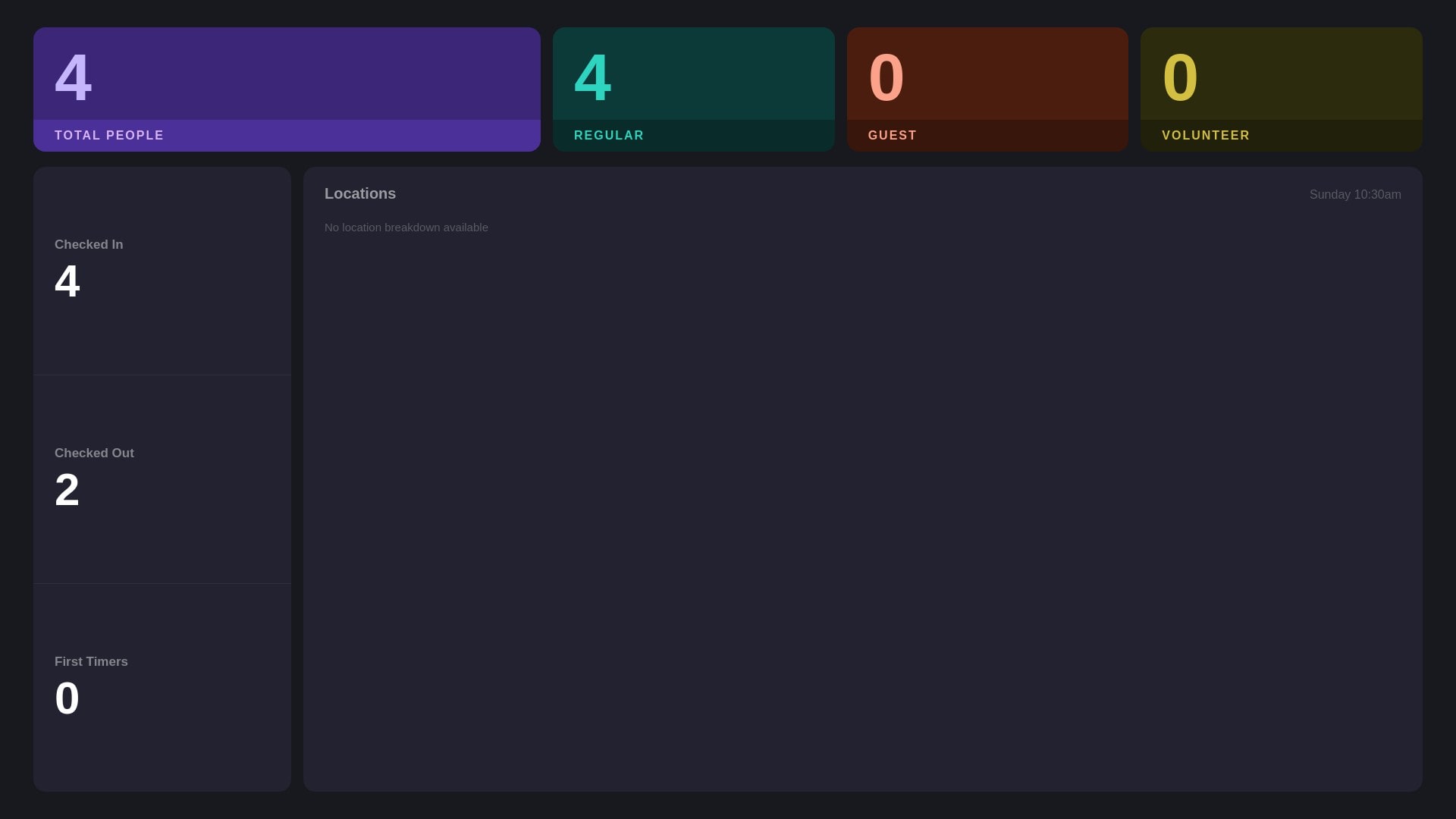
Pull events directly from Planning Center Online or Google Calendar. Display upcoming events, service times, or room bookings in a clean, auto-updating format that matches your brand.
Display a full-screen animated greeting the moment a child checks in. Supports both Planning Center Online and Kidddo — PCO polls for new arrivals, while Kidddo fires an instant webhook so the celebration appears within seconds of the check-in scan. Show the child's name, photo, and a custom welcome message with a sound effect of your choice.
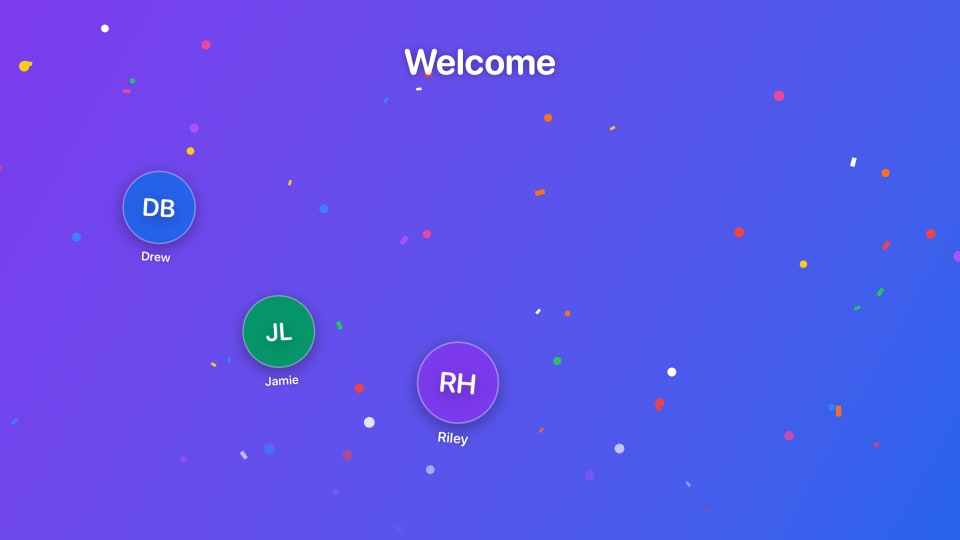
Automatically render a full-screen birthday roster from your PCO Check-Ins event or Kidddo roster. LightLoop finds everyone whose birthday falls this week or this month and builds a polished slide — with avatars, names, dates, and ages. For Kidddo, the slide re-renders in real time as children check in. Dark or Light theme, optional custom background.
Browse upcoming service plans from Planning Center Services and import songs directly into the LightLoop Song editor. Search the full PCO song library, pull arrangements and audio attachments, and build synced lyric slides without leaving LightLoop.
Search any scripture reference and pull the verse text in — no copying, no pasting. Choose a popular YouVersion translation (NIV, NASB, AMP, BSB & more), or switch to the Free Use Bible library for 1,200+ translations across 1,000+ languages — many you can't get anywhere else. Style the verse body and the reference line independently with full font, color, alignment, and shadow controls, set any image or video as the background, and add it to any playlist.
Requires Apple TV app v1.1+ · Learn more →
WebSocket-powered sync pushes playlist changes to TVs in real time. Update content from your phone and see it reflected instantly.
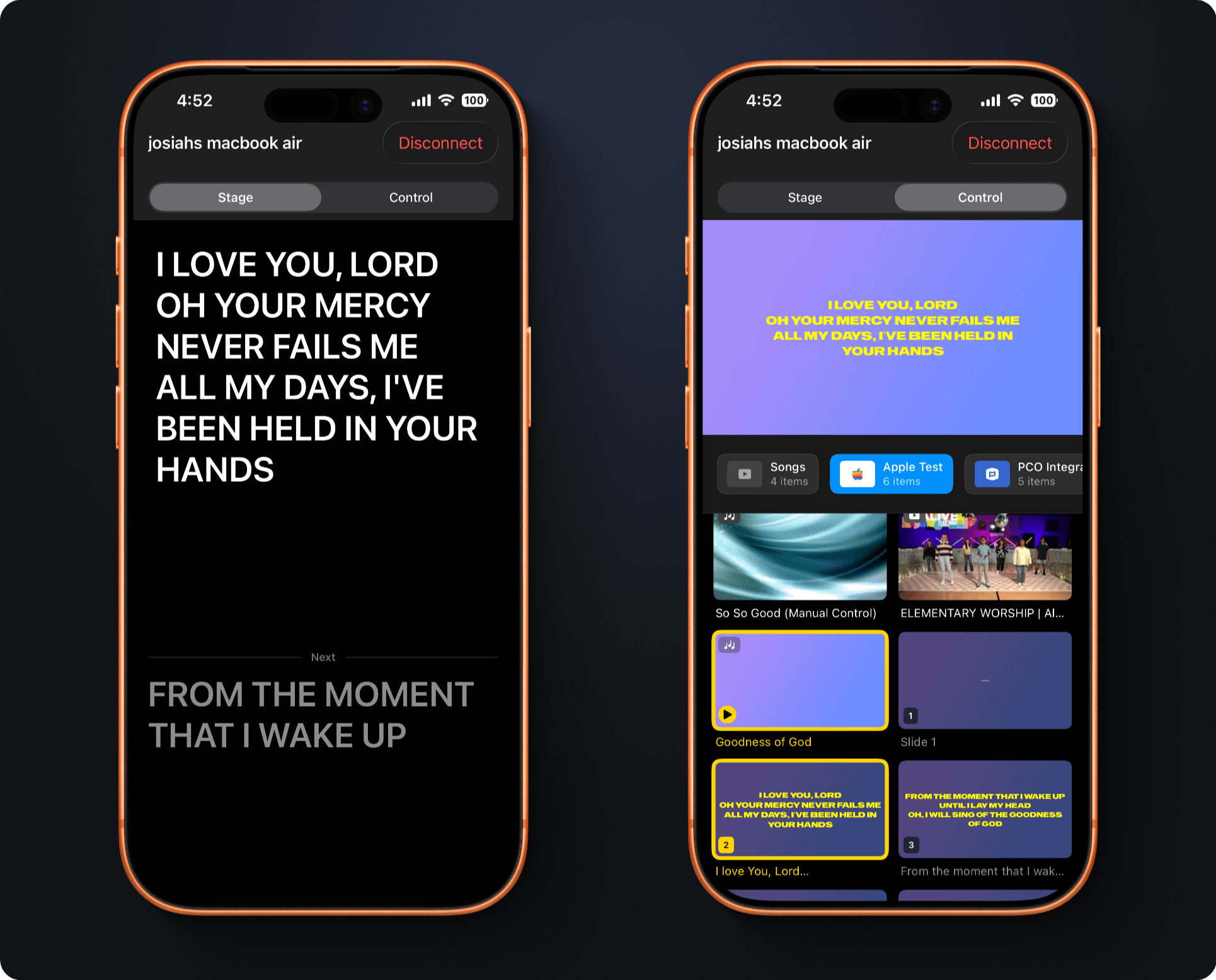
A free iPhone and iPad app that connects wirelessly to your Apple TV over local Wi-Fi — no account, no setup, no internet required. Two modes for two roles.
Free on the App Store · Learn more →
“This won't be on the screen, but Genesis 3:12 says…” — the moment every operator dreads. Voice Follow listens through the Remote, recognizes the reference, and puts the verse on the Apple TV before the sentence is finished.
Requires iOS 26+ · Learn more →
Drive playback from a lighting console, show-control system, or an OSC app like TouchOSC. Map next, previous, play/pause, or jump to any item or song slide — enabled per-feed, with each Apple TV's address shown right on screen.
Fire OSC messages to your lighting console or other gear the moment a playlist item goes live — a clean "go" trigger for cue stacks and scene changes. Define reusable targets once, then attach cues to any item's actions.
Every feature listed here is available today — completely free. Launch the app and start building your first playlist in under five minutes.